> ## Documentation Index
> Fetch the complete documentation index at: https://docs.withdovetail.com/llms.txt
> Use this file to discover all available pages before exploring further.
# Export
> Learn how to extract documents from your FormlyAI eQMS for external use.
## Export Text
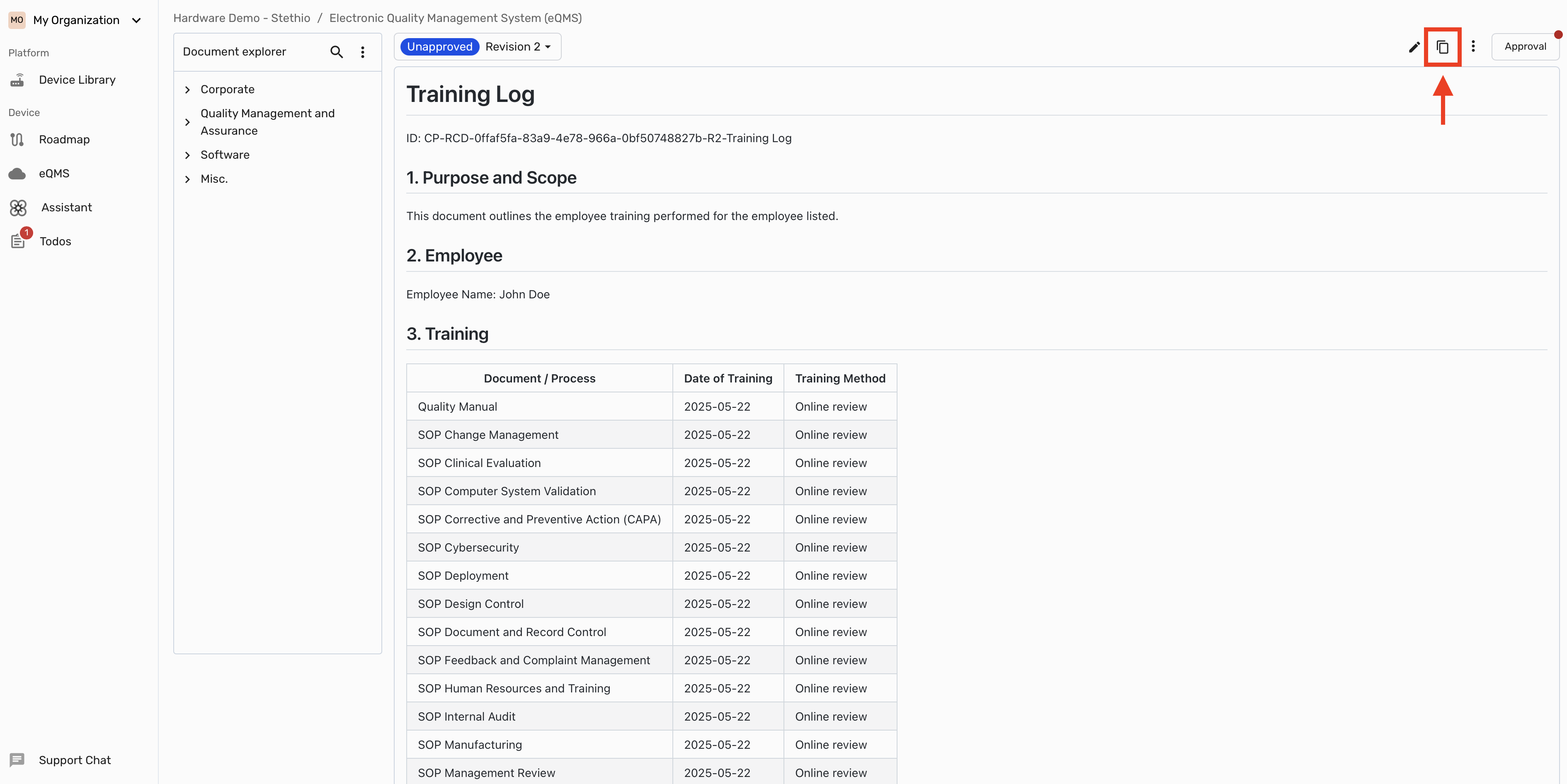 This maintains the **original formatting** of the document including headers, lists, and tables
## Export PDF
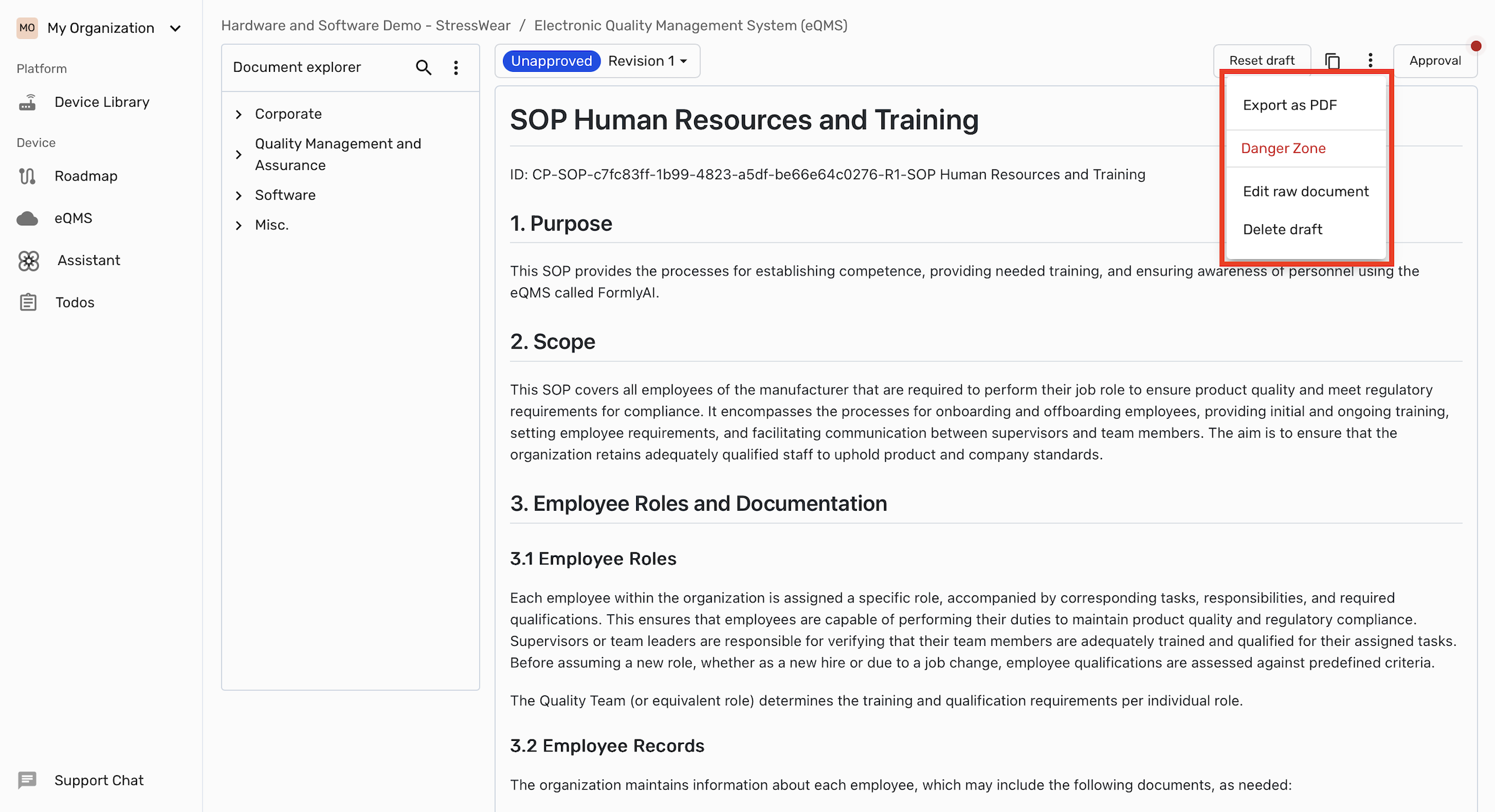
To export a document as a **PDF** click on the three dots in the top right corner of the document and select **"Export as PDF"**
This maintains the **original formatting** of the document including headers, lists, and tables
## Export PDF
To export a document as a **PDF** click on the three dots in the top right corner of the document and select **"Export as PDF"**